
Drive-Test Platform
From raw drive-test logs to finished reports, in one platform.
Telemex opens your drive-test (DT).nmfs/.nmf/.trp logs, extracts the measurements, and turns the result into PowerPoint or Excel reports — while your team tracks tickets and workload alongside it.
Request a demoOne Platform, Three Tools and an API
Everything a drive-test team needs, connected
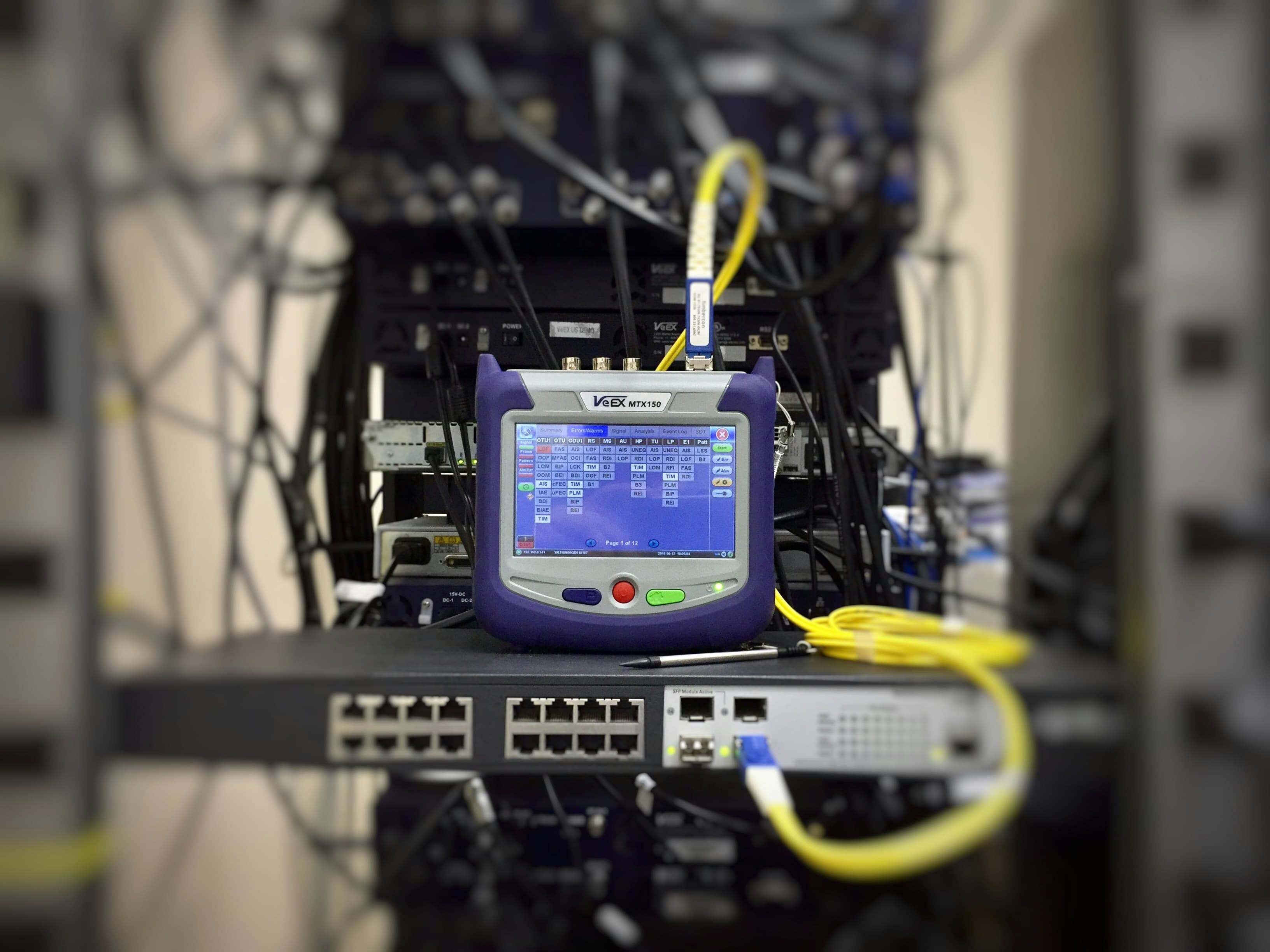
Log Opener
Open .nmf, .nmfs and .trp logs and extract their data, viewable right in the browser.

Reports
Generate PowerPoint and Excel reports from extracted data, enriched with cellref.
Tickets
Track ticket type, completion status and per-user workload with built-in charts.
Log Exporter API
POST a log, get the extracted measurements back as CSV. The same parser, without the browser.
Workflow
One pipeline, from log file to finished deliverable
Upload the drive-test log together with the cellref you already have, see the extracted data in the browser, then export it as a PowerPoint deck or an Excel workbook.
- 01
Upload the log
Hand Telemex the drive-test log your collection tool produced, plus the cellref file your team already maintains.
Accepts
- .nmf
- .nmfs
- .trp
- cellref
- 02
See the data
Parameters are extracted and shown in the browser — filter, search and inspect them before anything is reported.
Shows
- Parameters
- 03
Export the report
Generate a PowerPoint deck or an Excel workbook from the same data, cross-referenced against the cellref you uploaded.
Produces
- .pptx
- .xlsx
Why Teams Switch
Less manual handling, the same rigor
Manual process
- Open each log in a separate desktop tool per format.
- Install a proprietary desktop tool on every machine that needs to look at the data.
- Copy measurements into PowerPoint or spreadsheets by hand for every log — hours gone per drive.
- Rebuild slide decks and workbooks from scratch for every drive.
- Chase teammates to find out what tickets are open or finished.
With Telemex
- One log opener handles .nmf, .nmfs and .trp alike.
- Extracted data is viewed in the browser — nothing to install.
- See every extracted parameter without reopening the log.
- Reports generate from a consistent template, run after run.
- Ticket status and workload are visible in one dashboard.
Pricing
Priced per log, not per seat
You pay for the logs you open. The more you put through Telemex, the less each one costs — and the rate itself depends on how many logs you need open at the same time, so tell us the parallel capacity your team works at and we will price against it.
- Billed per log
- The per-log price drops as volume rises
- The rate follows the parallel capacity you need
See Telemex on your own data
Request a demo and we will walk through your logs, reports and ticket workflow.
Request a demo